
See exactly what happens between signing up and going live
For solo attorneys, accountants, consultants, and small practices. Your site, built the same day, screen by screen below.
No card needed until you publish.
Live sites built on SmashWebs that you can click right now


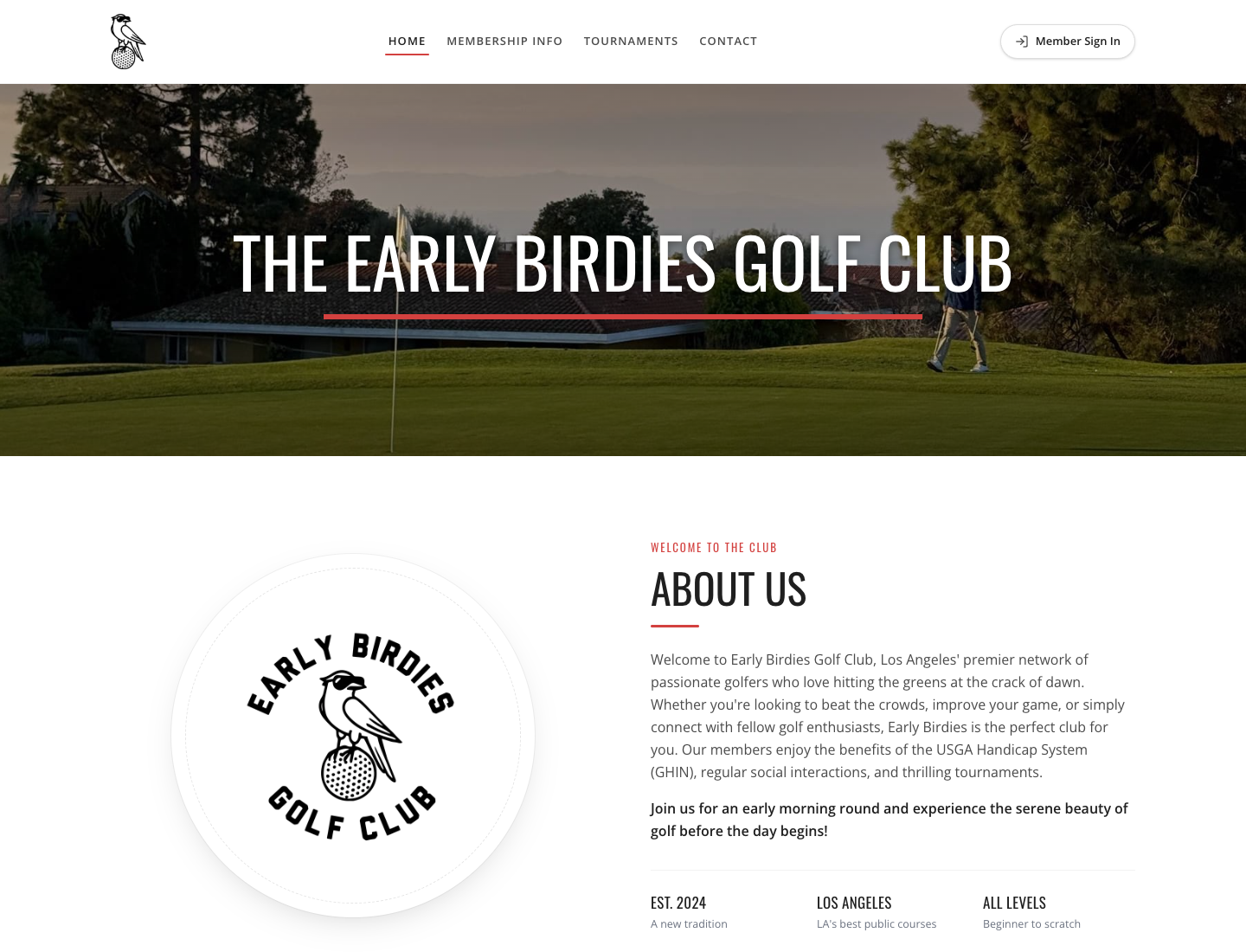
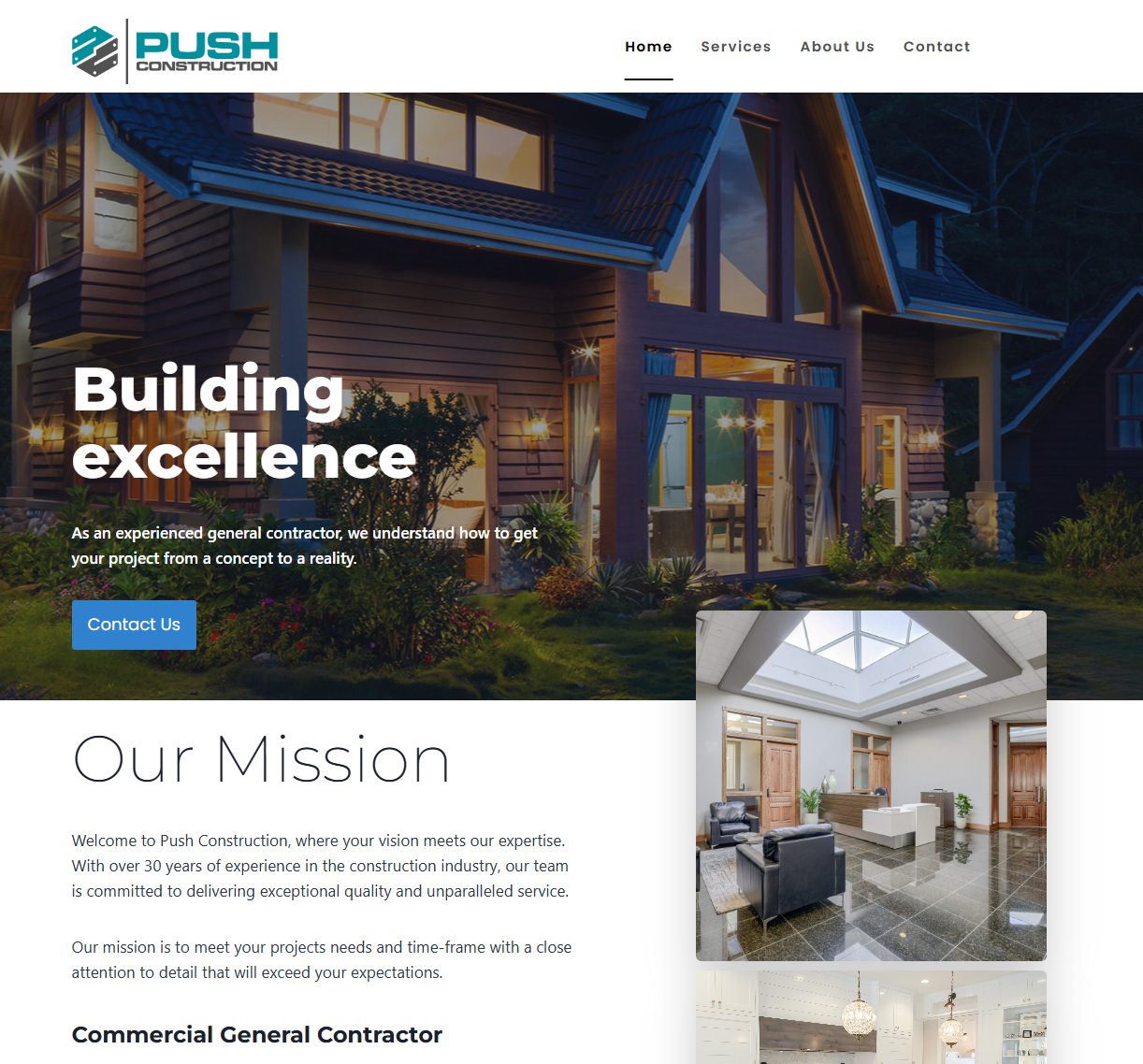
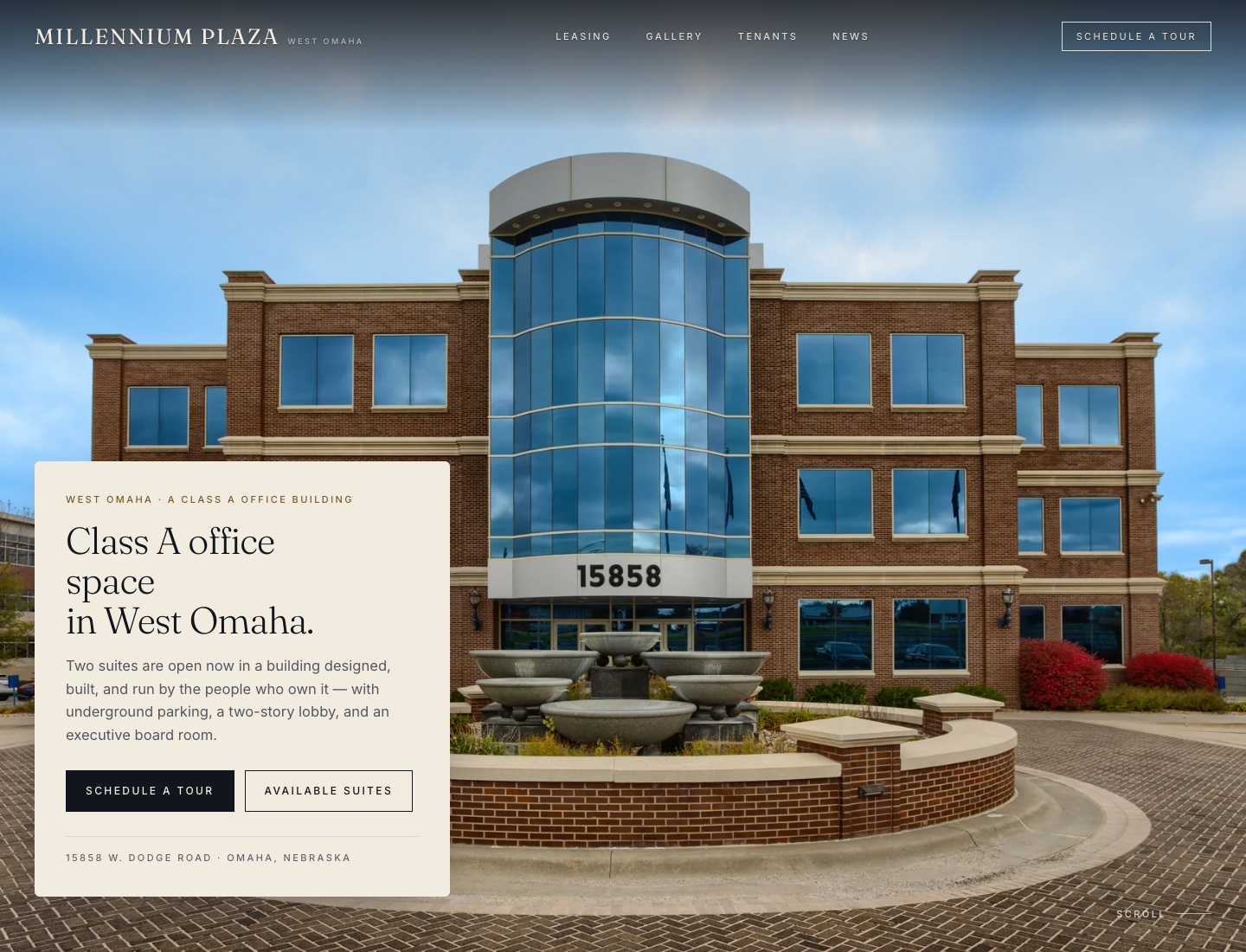
The choice used to be a $5,000 agency or a lost weekend in a DIY builder
The agency route
Months of back and forth, invoices that keep coming, and waiting on someone else for every edit, even a phone number change.
The DIY route
Your Saturday spent nudging boxes in a page builder, ending with a template that reads like everyone else's and hours you never bill.
Here is the third option, screen by screen.
Tell us what you do. Takes about two minutes.
Your name, what you do, your city and phone. Pick a template if you have a favorite, or let the AI match one to your business. That short form is everything the builder needs.
While it works, you can watch it match a template, write your content, and assemble your pages.
AI writes the first draft. Nothing goes live until you say so.
Your site starts as a private draft. Read every page, fix anything that is not in your voice, and swap sections you do not want. You approve every word before anyone sees it.
That matters if you practice in a regulated field: you stay in control of what your site claims.
Publish when you are ready. That is when the 14-day trial starts.
Building is free with no card. When your draft looks right, you add a card to publish, and that starts a 14-day free trial. The first charge is on day 14; cancel before then and you pay nothing.
Publishing takes care of hosting and SSL automatically. Your domain has its own walkthrough below.
No card until you publish. See plans
Change anything yourself, or just describe the change
Edit your own content when it suits you, then review and publish. Keep your login private; Growth customers can send everyday changes to our team.
Edit by hand (every plan, unlimited)
Plain-English tabs, a field for every piece of text, and a live preview. Click, type, save. A text change takes under a minute.
AI editing (Professional and Growth)
Type an instruction like "move my office hours to the top and update the phone number." The edit is applied to your draft, you review it, you publish.
Build and edit free. Card only when you publish.
Connect your own domain, with guidance at each step.
Need a new domain?
Buy a domain from your preferred registrar, then connect it using the steps in your dashboard. Registration and renewal fees are separate from your website plan.
Bring the domain you own
We show you exactly which records to add at your registrar, each with a copy button, and a status rail tracks the connection until it flips to Live. The records point your website only: we never ask you to change your email (MX) records.
Custom domains are included on Professional and Growth. Starter publishes to a smashwebs.com address. Compare plans
New inquiries land in one inbox, with spam already filtered
Every contact-form submission is stored in your dashboard and emailed to you. Spam is scored and filed away automatically, and you can always review it, so nothing legitimate is out of reach.
Reply straight from your email, or work the inbox when you have a minute between clients.
Less per year than one month of an agency retainer
Starter
$29/mo
3 pages on a smashwebs.com address, hand editing, hosting and SSL.
Professional Most professionals choose this
$79/mo
Your own custom domain, AI editing, up to 15 pages, analytics, Google integrations.
Growth
$149/mo
A custom-designed site built by our team, concierge changes for everyday updates, unlimited pages and directory listings as our network launches.
No card until you publish. 14-day trial when you do. Not sure which plan? Take the 2-minute quiz
Questions people actually ask
What do I log into after I sign up?
Your dashboard. You describe your business, the AI writes a draft site, and you open it in the editor: pages on the left, your content in the middle, a live preview on the right. The illustrations on this page demonstrate that workflow with example content.
Who makes changes to my site, and on which plan?
Every plan includes the hand editor: click a field, type, save. On Professional and Growth you can also describe a change in plain English and the AI applies it for you to review. On Growth, you can simply reach out and our team makes the changes for you.
How does my existing domain connect? Does my email keep working?
On Professional and Growth, you add the records we show you at your registrar; each has a copy button, and your dashboard tracks the connection until it flips to Live. The records we ask you to add point your website only. We never ask you to change your email (MX) records.
What does the $29 Starter plan actually include?
A 3-page template website on a smashwebs.com address, hosting, SSL, a contact form, hand editing, and email support. Your own custom domain, AI editing, analytics, and more pages come with Professional at $79/mo.
Can someone help me make changes?
Keep your login private. On Growth, send everyday changes to our team through support. Contact us to discuss any additional access needs.
What happens if I cancel?
Cancel during the trial and you are never charged; your site returns to a private draft. On a paid plan you keep access through the end of the billing period. Any domain you bought through us can be transferred to your own registrar whenever you want.
How fast is a change live?
When you save, the change is live on your published site, usually within a minute.
You have now seen the whole process
Describe your practice, review your draft, publish when you are ready.
Next: describe your practice, preview your site, publish when you're ready.